iNRTiA
iNRTiA is a near-real-time customer & project time tracking software. Keep track of your company’s most important resources and projects in one customizable and intuitive application.
Made for Client Billing & Accounting.
Track employee time, billable hours, expenses, and support tickets across projects in iNRTiA. Seamless integration with Microsoft Dynamics 365 Business Central creates a unified system for better efficiency and accuracy in client billing and accounting.
iNRTiA Project Time Tracking Software built for
Whether you’re a consultant, agency, law firm, field services provider, or any other small to medium-sized business offering professional services, iNRTiA can make time tracking and billing for client work easy.
Professional services
- Set different rates for employees and projects to capture specific labor costs against project time.
- Capture all billable hours and automatically feed this data to your accounting platform to create clear invoices for your clients and minimize errors in billing.
- Browse clear, in-depth reports for insights on employee productivity and project profitability.
Field service
- Our intuitive interface works on mobile phones, tablets and desktops, making it easy for your field technicians and contractors to enter time spent on a client job site.
- Accurately capture billable hours for efficient client invoicing.
- Approve and track your technicians’ leave requests. You can also manage your team’s time off and coverage through a clean calendar view.

Best-in-Class Project Time Tracking Integration for Dynamics 365 Business Central
Is your finance team manually entering data into your Dynamics 365 Business Central accounting system to generate invoices? This is taking your team away from more important tasks and leaving room for errors in billing.
GraVoc has developed a robust integration that connects iNRTiA to Dynamics 365 Business Central. With the integration, you can export time entries, call notes, and billing notes in iNRTiA to Business Central. All employee billable hours and expense data is mapped to the correct fields in Business Central, allowing your finance team to streamline client billing and generate clear invoices. This data can also be exported to the General Ledger in Business Central to enhance project accounting and reporting.
As a Microsoft Solutions Partner with 30 years of industry expertise, we can provide customized implementation and support services to ensure iNRTiA seamlessly integrates with your unique Business Central environment.
iNRTiA also integrates with:
Outlook
Azure DevOps
Jira
Features that empower your team
Track time with ease
Simple, accurate time entry for higher adoption and compliance.
Time tracking
User-friendly time entry with multiple tracking methods for quick, accurate capture of billable and non-billable hours.
User dashboard
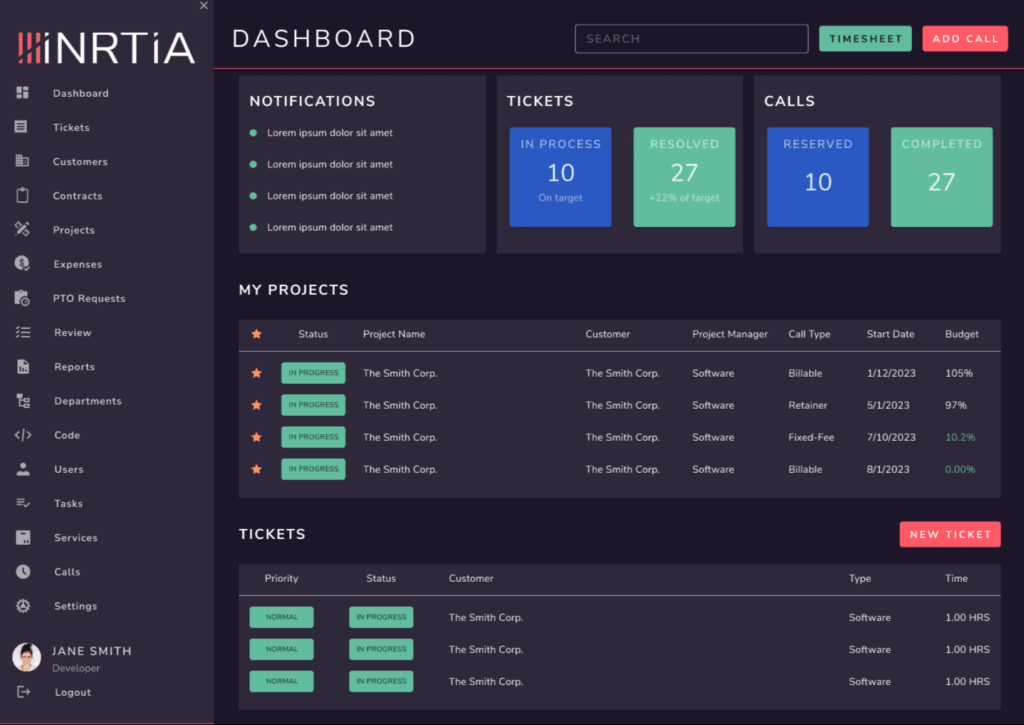
Employees get a personalized dashboard to view their projects, tasks, and time entries.
Manage projects more effectively
Keep every project on track with intuitive tools and real-time visibility.
Intuitive project tracking
Set objectives, assign tasks, and monitor progress to avoid scope creep and keep deliverables on schedule.
Custom rates
Assign different billable rates by employee or project for streamlined billing.
Project resource hub
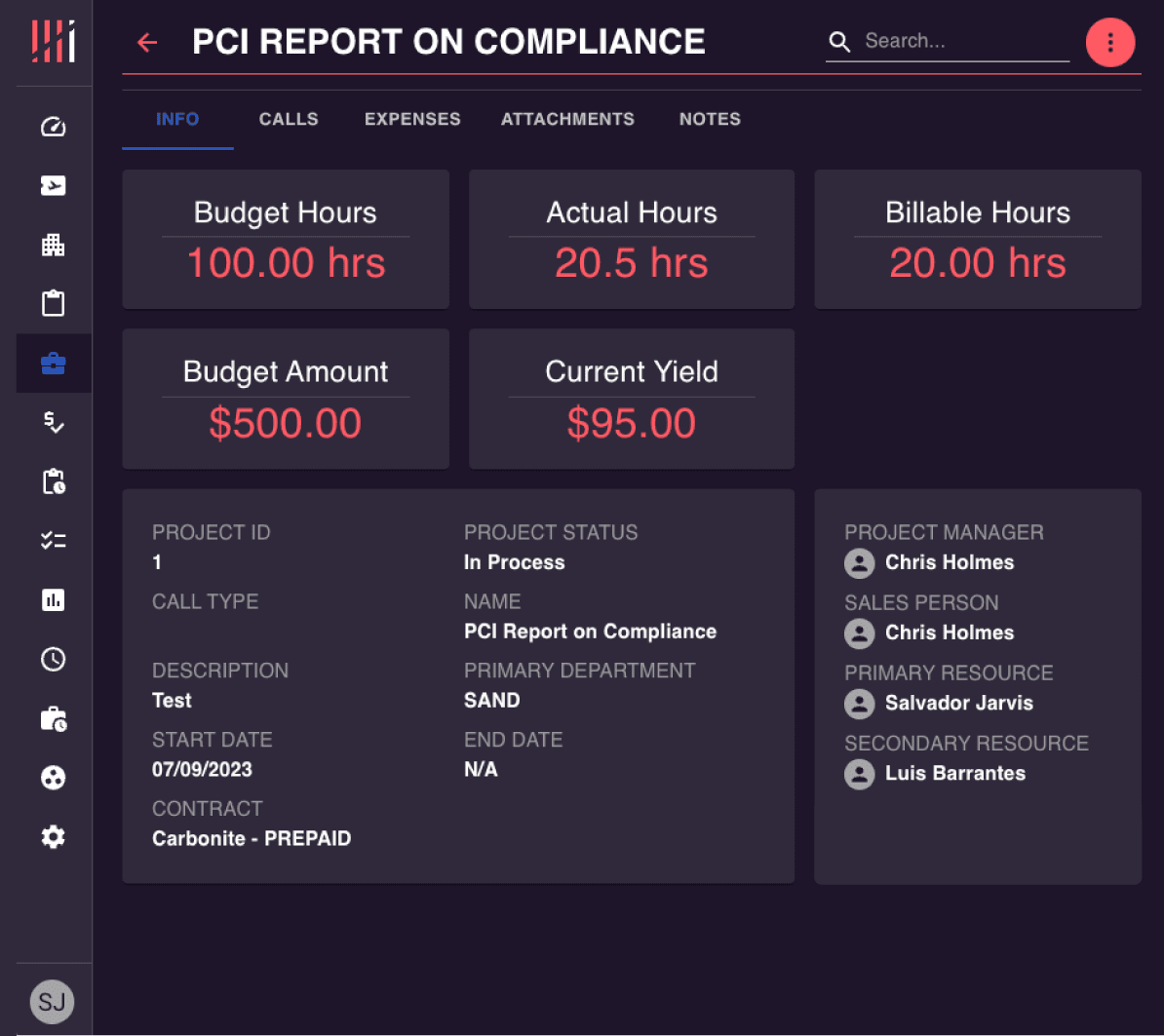
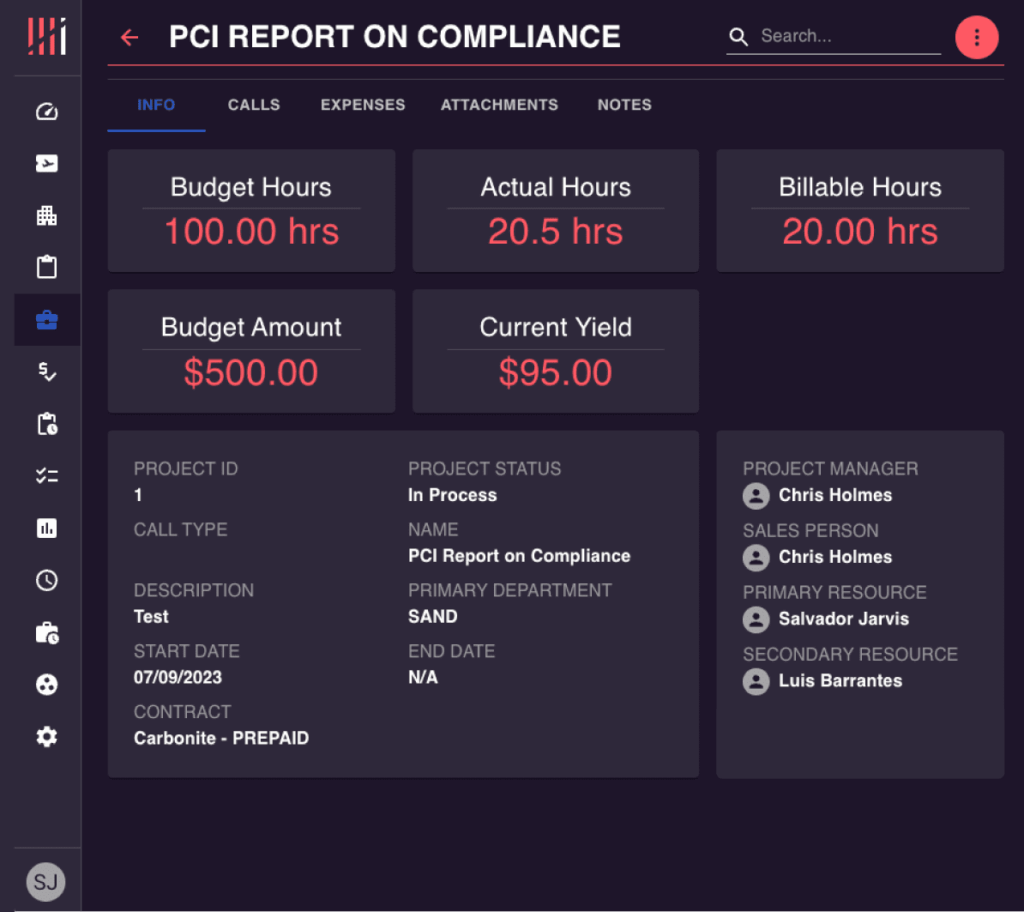
Centralized location for contracts, budgets, hours, yield, notes, expenses, call entries, and project status.
Support and service built into your workflow
Track support tickets and time spent — all in the same system.
Help desk ticketing
Automatically assign incoming support tickets and track employee time spent on calls and tasks.
Gain insights with powerful reporting
Understand performance, profitability, and productivity at a glance.
Reporting
In-depth insights into time allocation, productivity, project costing, call completion rates, revenue analysis, and overall business performance.
Manage expenses and financial transparency
Keep billable work, costs, and reimbursements tightly aligned.
Expense tracking
Employees submit project expenses for fast approval and accurate reimbursement.
Improve client transparency and communication
Give clients visibility while staying in control.
Guest user dashboard
A secure client-facing view that shows project status, billable hours, and key updates to maintain transparency and trust.
Time tracking unleashed
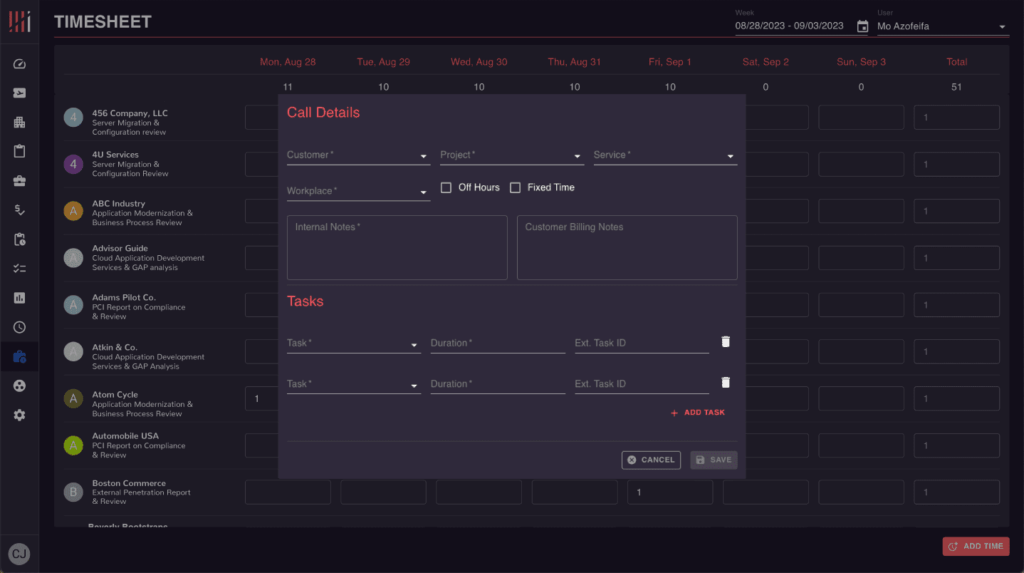
Give your employees the tools they need to manage their time and projects more effectively. iNRTiA’s Timesheet enables employees to track their time through a user-friendly dashboard. Employees enter in their call details such as customer, project, service, and workplace as well as any internal or customer billing notes. The Task Breakdown allows employees to nail down exactly where their time was spent on a given call. Employee’s can see an overview of all their calls by navigating to the Calls dashboard.
User-friendly timesheet dashboard
Task breakdown of services performed
Task breakdown of services performed
Multiple call types to define billing parameters (Billable, Fixed Fee, Non-Billable, Pre Paid, Client Care & more)
Configurable service descriptions for standardization
PTO requests and automated workflows
Redefine customer support
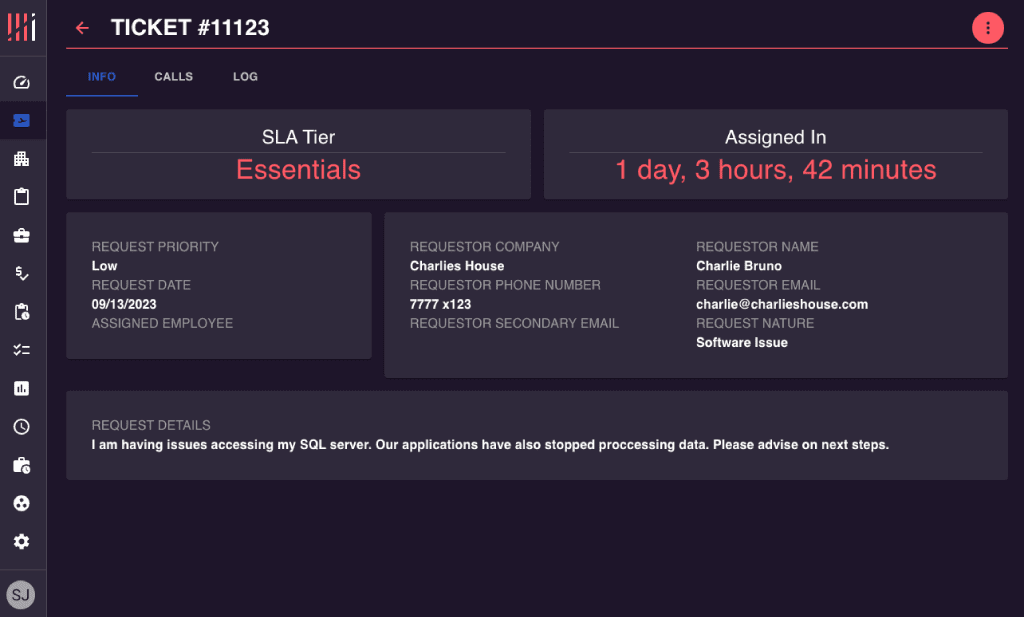
Generating, dispatching, and tracking support tickets has never been easier. iNRTiA’s ticketing functionality allows you to streamline customer support requests from your website or application and into the right employee hands. With multi-department call management, iNRTiA aggregates all support requests into a clean, user-friendly dashboard so your whole team is in the loop.
Multi-department call management
Ticket statuses & workflows to automate your outreach process
Generate support tickets from your website or app
Track time against support tickets
Prioritize support requests
Call and log breakdown associated with each ticket
Elevate Customer Relationship Management
Building and maintaining strong customer relationships is paramount in today’s dynamic business landscape. Centralize your client data using iNRTiA’s customer repository. The iNRTiA customer repository gives employees CRM functionality to capture all customer information such as projects & contracts, expenses, support tickets, contact details, and more.
Project Management from Start to Finish
In the realm of business, effective project management is the cornerstone of success. iNRTiA’s project management tools curate all project details from inception to completion. Collaborative workspaces give your team unity and clear communication to properly allocate and budget projects. Project timelines allow you to create, plan, and visualize projects in a clear, intuitive interface, ensuring everyone knows their tasks and deadlines. With project analytics and reporting, you can make data-drive decisions, track project performance, identify bottlenecks, and adapt your strategies.