

On July 19, 2025, Microsoft confirmed that multiple zero‑day vulnerabilities in on-premises SharePoint Server are being widely exploited. These flaws impact SharePoint Server 2016, 2019, and Subscription Edition, but notably not SharePoint Online in Microsoft 365.
Attackers are leveraging ToolShell, a threat sequence that exploits remote code injection and network spoofing vulnerabilities identified as CVE-2025-49704 and CVE-2025-49706.
Microsoft has issued comprehensive security updates for all supported SharePoint Server versions to address these newly discovered vulnerabilities.
Organizations are strongly encouraged to apply these updates immediately to ensure protection:
Microsoft SharePoint Server Subscription Edition
The updates fix newly identified issues, CVE-2025-53770 and CVE-2025-53771, which are exploit bypasses of earlier vulnerabilities CVE-2025-49704 and CVE-2025-49706, respectively.
Microsoft has identified two Chinese nation-state groups, Linen Typhoon and Violet Typhoon, actively exploiting these vulnerabilities to target internet-facing SharePoint servers. Additionally, another China-based threat actor, known as Storm-2603, has been observed using the same vulnerabilities to deploy ransomware. Investigations into other actors leveraging these exploits are still underway.
Given how quickly these vulnerabilities are being adopted, Microsoft has high confidence that threat actors will continue incorporating them into attacks against unpatched on-premises SharePoint environments.
To prevent unauthenticated attacks from exploiting this vulnerability, organizations should take the following steps:
1.) Apply the latest security patches, linked above
2.) Enable Antimalware Scan Interface (AMSI) & Deploy Defender Antivirus:
Configure AMSI to run in Full Mode as outlined in the Mitigations section of this article.
3.) Implement Endpoint Detection & Response (EDR):
Deploy Microsoft Defender for Endpoint or an equivalent solution to monitor and respond to malicious behavior.
4.) Rotate ASP.NET Machine Keys:
Update the MachineKey values used by SharePoint servers to prevent misuse of compromised credentials.
5.) Restart Internet Information Services (IIS):
This ensures any changes to machine keys or configurations are applied.
This incident underscores the vulnerability of on‑premises systems, especially when patches are not applied promptly or exploit bypasses emerge. Microsoft has taken steps to disrupt the exploit, but the response window has already closed in thousands of environments.
Companies must act now: patch, monitor, validate, and harden their SharePoint infrastructure while assuming possible compromise.

Concerned your SharePoint environment may be impacted?
Need help implementing the steps above?
Our Information Technology and Information Security experts are ready to assist. Whether it’s assessing potential compromise, applying critical patches, or planning a secure migration, we’re here to help you act quickly and confidently.
Contact us today to get the support you need and ensure your SharePoint environment is protected.
Email: info@gravoc.com
Phone: 978-538-9055
Consider Moving to Microsoft 365 SharePoint
As security threats targeting on-premises environments continue to rise, organizations should consider migrating to SharePoint Online in Microsoft 365.
Unlike on-premises versions, SharePoint Online is fully managed and continuously updated by Microsoft, eliminating the need for manual patching and reducing the risk of delayed vulnerability response.

Built-in protection against zero-day exploits
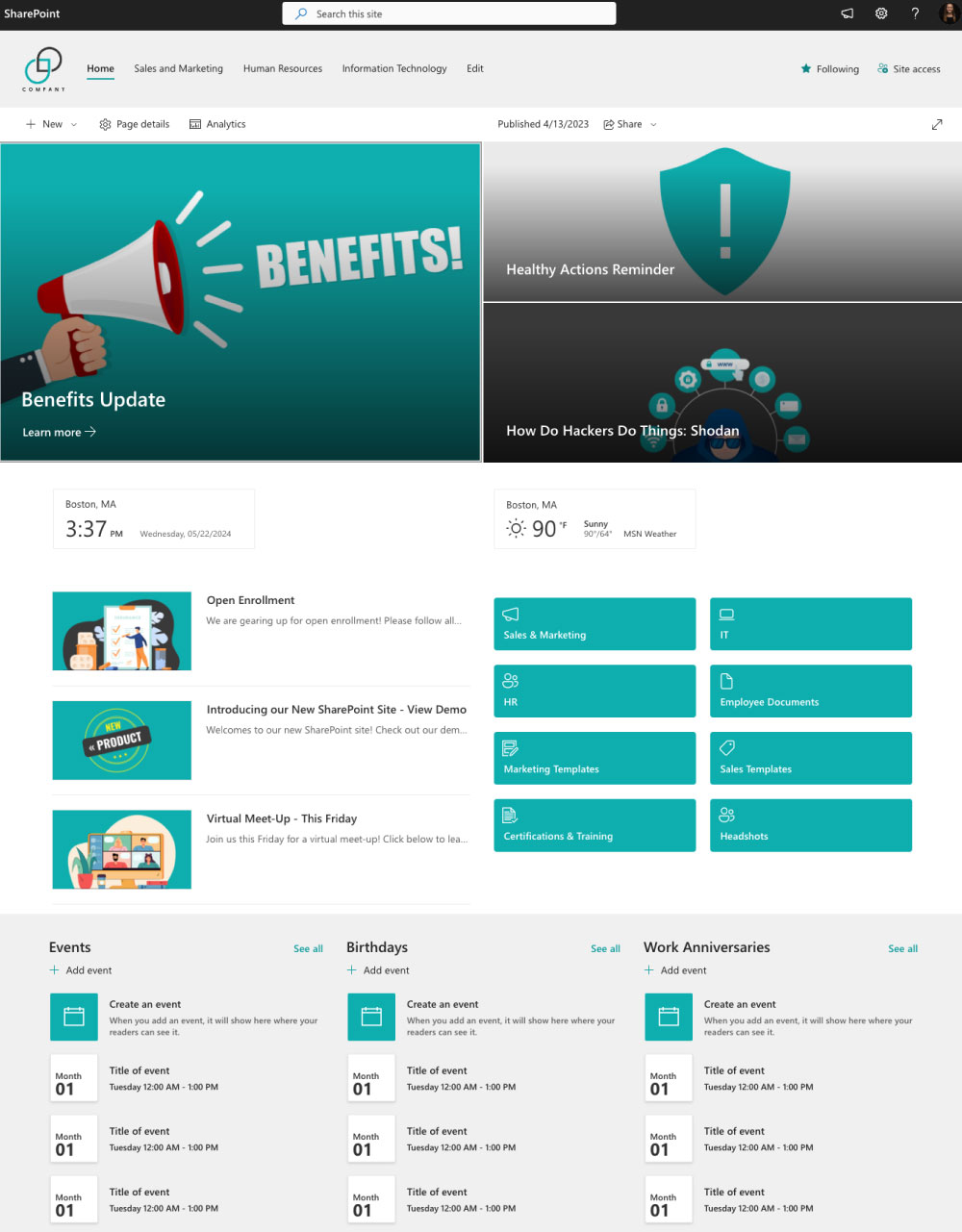

Ready to make the move to SharePoint Online? Let GraVoc guide the way.
Our team has deep expertise in SharePoint migrations and can help you plan, execute, and optimize a smooth transition to Microsoft 365. From data migration and permissions mapping to custom workflows and user training, GraVoc takes the complexity out of moving to the cloud—securely and with minimal disruption to your business.
Let’s start your journey to a more secure, scalable, and modern SharePoint experience.

Related articles

Cybersecurity Q&A Series: How Secure Is Microsoft Copilot?
Learn the key security differences between Microsoft Copilot and licensed Microsoft 365 Copilot, including best practices for safe use.

Features to Impact: Microsoft 365 Copilot AI Solutions for Sales, Service, & Finance
A look at the new Microsoft 365 Copilot AI solutions for Sales, Finance, and Service. Plus how to plan user adoption and change management!

Scaling Biotech & Life Sciences: How Managed IT Ensures Compliance, Security & Growth
In this blog, we’ll explore the benefits of managed IT for biotech and life sciences companies as they grow, and the challenges it helps solve.